
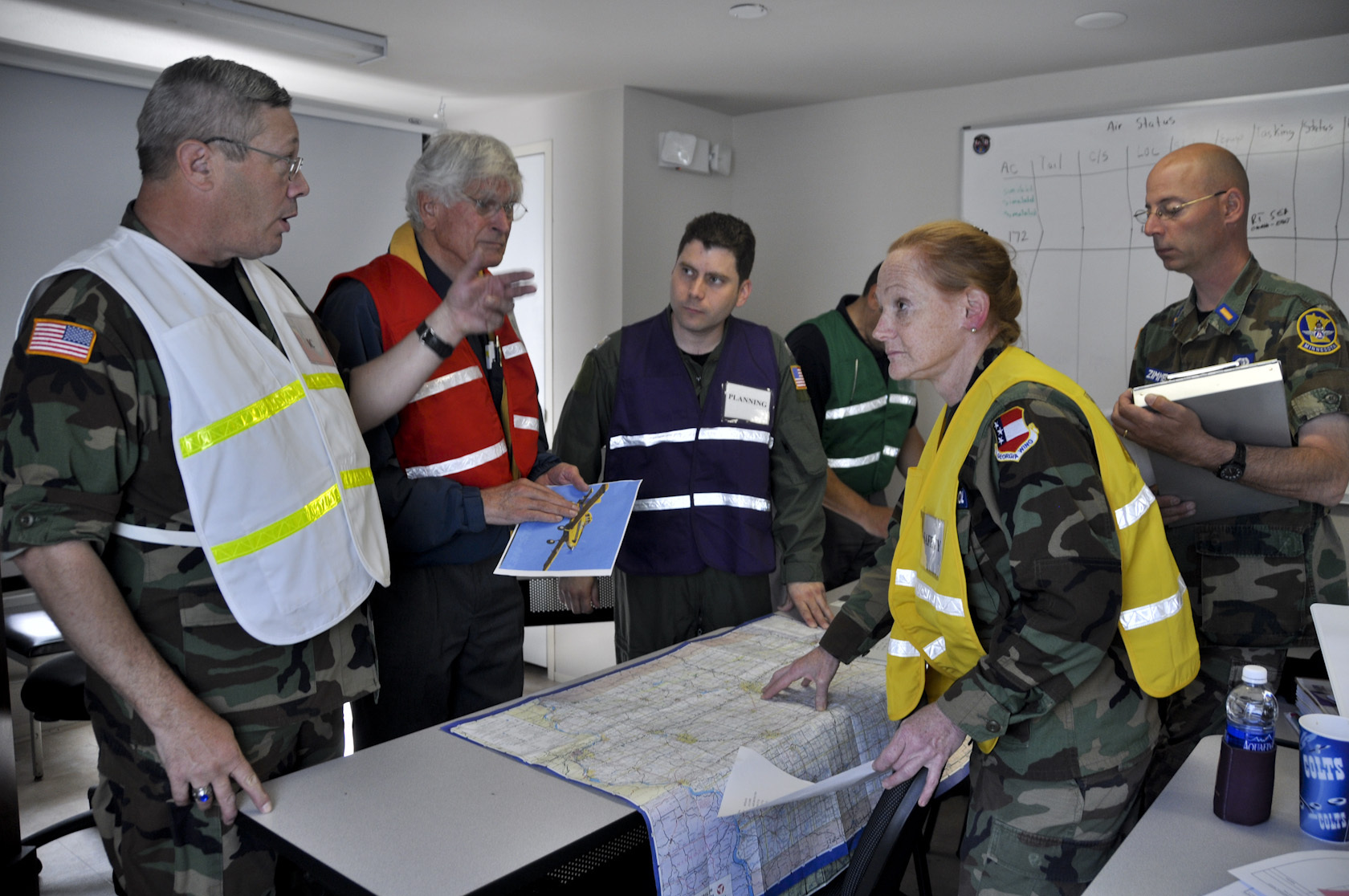
The Crucible of Production: Mastering Incident Response Simulations
Introduction
In the digital age, a system failure isn’t just a technical glitch; it is an existential threat to your organization’s reputation and bottom line. When a critical production environment goes down, the clock starts ticking immediately. The difference between a minor blip and a catastrophic multi-day outage often comes down to one factor: muscle memory.
Incident response simulations—often referred to as “game days” or “chaos engineering exercises”—are the primary way high-performing organizations move from reactive panic to structured resolution. By intentionally injecting failures into a controlled environment, teams transform abstract documentation into practical expertise. This article explores how to design, execute, and scale simulations that ensure your team can handle a sudden safety failure without breaking a sweat.
Key Concepts
At its core, an incident response simulation is a rehearsal of your organization’s collective ability to detect, diagnose, and remediate production issues. It is not merely a stress test for servers; it is a stress test for people, processes, and communication loops.
- Game Days: Scheduled events where teams simulate a specific failure scenario (e.g., a database connection drop or an API timeout) to test their automated alerts and manual runbooks.
- Chaos Engineering: The practice of experimenting on a distributed system to build confidence in the system’s capability to withstand turbulent conditions in production.
- The “blast radius”: The scope of a simulation. Effective drills contain the experiment so that only a small, manageable percentage of users or services are affected.
- Runbooks: Living documents that outline the specific steps required to investigate and resolve known incident types. Simulations exist primarily to validate these documents.
The goal is to shift from “hero culture”—where one senior engineer saves the day—to “systems culture,” where the resolution process is repeatable, observable, and documented.
Step-by-Step Guide: Running Your First Simulation
- Define the Hypothesis: Start with a clear question. For example, “If our primary payment gateway API latency spikes by 500ms, does our system automatically switch to the secondary provider without impacting user transactions?”
- Select the Scope and Environment: Choose a failure that is realistic but contained. Start in a staging or UAT environment before moving to “production-like” drills. Ensure you have an “abort button” to terminate the simulation immediately if things go sideways.
- Assemble the Cross-Functional Team: A drill is useless if it’s only engineers. Include on-call leads, product managers, and communication/PR leads. They need to practice how to inform stakeholders when the system is failing.
- Execute the Failure Injection: Trigger the failure. Monitor the dashboard closely. Observe: Did the alerts fire? Did they go to the right people? How long did it take to identify the root cause?
- Measure Resolution Time (MTTR): Track how long it takes the team to follow the runbook and restore normal operation.
- The Post-Mortem/Debrief: This is the most critical step. Gather the team to discuss what went right, where the documentation was lacking, and where communication stalled.
Examples and Case Studies
The Database Failover Test: A fintech company decided to simulate a regional database outage. They manually triggered a failover to a standby cluster during low-traffic hours. They discovered that while the failover worked, the connection string in the application config had not been updated in six months, leading to a total 40-minute outage. Because they caught this in a drill, they fixed the config management pipeline and saved themselves from a potential disaster.
The Communication Drill: A SaaS provider simulated a massive DDoS attack. While their engineering team mitigated the traffic, they realized their PR and Customer Support teams were left in the dark. The engineers were so focused on the code that they forgot to notify the Support desk, leading to hundreds of angry customer tickets. Now, the simulation includes a “Customer Communication” trigger where the incident commander must provide status updates to the PR lead every 15 minutes.
Incident response is a team sport. If you aren’t testing communication alongside your infrastructure, you aren’t actually ready for an incident.
Common Mistakes
- Testing in Isolation: If you only test the technical aspect (e.g., “does the server failover?”), you ignore the human element. If the team doesn’t know how to notify the business, the technical success is irrelevant.
- Overly Complex Scenarios: Starting with a “black swan” event (like a total AWS region failure) can be overwhelming. Start small—simulate a single service failing—before moving to complex, multi-service outages.
- Ignoring Documentation Debt: Many teams run a simulation, realize the runbook is outdated, but then fail to update it. The simulation is only valuable if the “fix” (the updated runbook) is implemented immediately.
- Lack of Executive Buy-in: If leadership sees these simulations as “wasted time” rather than an investment in stability, they will be the first things cut during budget crunches. Always tie these drills to reliability KPIs.
Advanced Tips
To take your incident response from good to world-class, focus on the following:
Automate the Injection: Instead of manually shutting down servers, use tools like AWS Fault Injection Simulator or Gremlin. Automation ensures the experiment is reproducible and objective.
Practice “Game Day” Fatigue: Occasionally, run simulations during high-stress times or back-to-back scenarios to see how the team performs when they are already tired. This reveals the “breaking point” of your incident response process.
Focus on Observability: The best incident response team is one that doesn’t need to guess. If your simulation reveals that you lacked the metrics needed to diagnose the failure quickly, treat “improving observability” as the primary takeaway from the drill.
Rotating Incident Commanders: Don’t let the same senior person lead every simulation. Use these drills as low-risk environments to train junior engineers to take on the role of Incident Commander (IC). This builds organizational resilience and prevents burnout.
Conclusion
Incident response simulations are the ultimate litmus test for organizational health. They reveal the gaps between how you think your systems work and how they actually function under duress. By treating these drills as an essential, non-negotiable part of the development lifecycle, you move from being a team that prays for uptime to a team that is prepared for failure.
Remember: Failure is inevitable in complex, distributed systems. Success is not defined by the absence of incidents, but by the efficiency and grace with which you resolve them. Start small, document everything, and make sure your team knows that the goal of the simulation isn’t to be perfect—it’s to be better tomorrow than you were today.




Leave a Reply