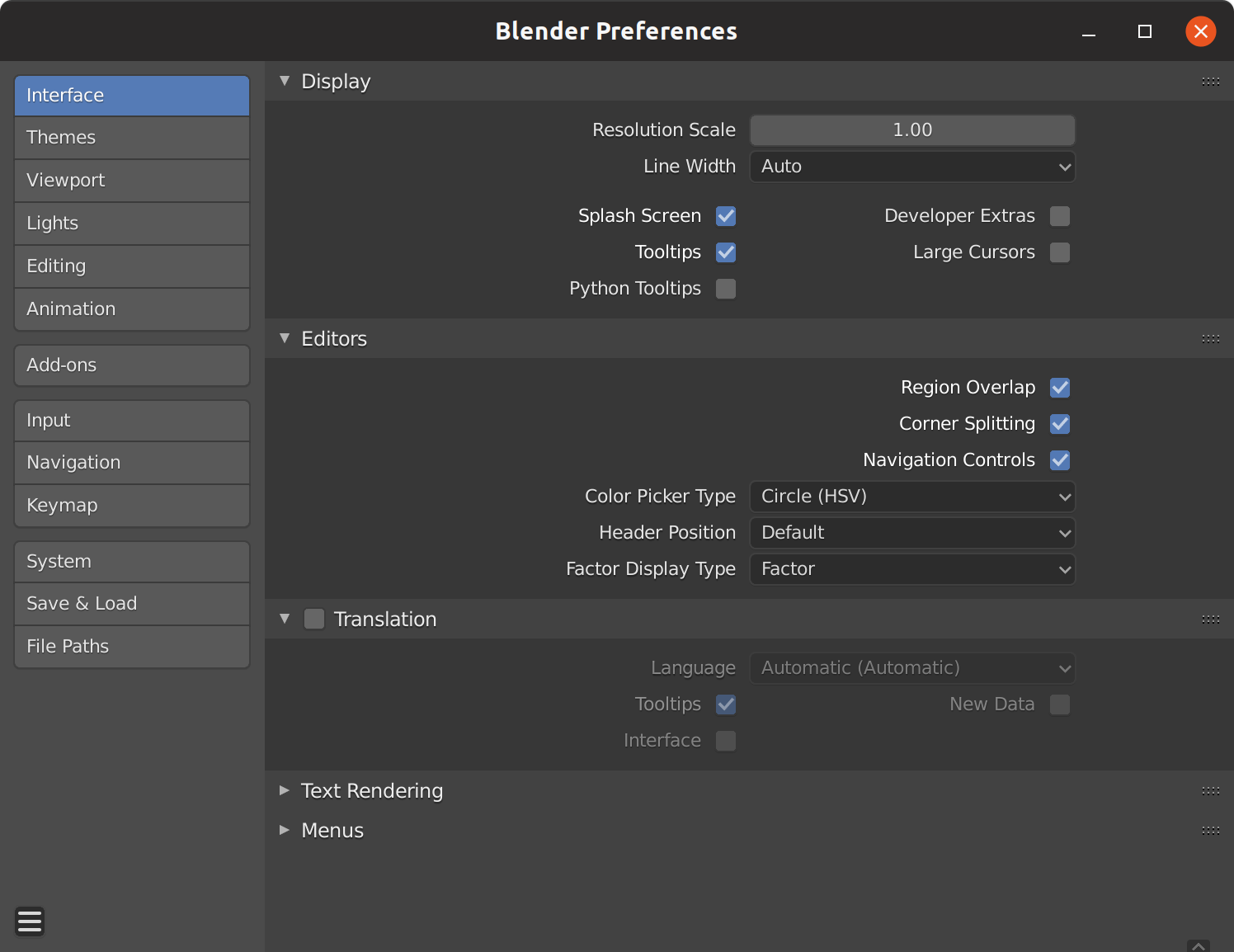
Progressive disclosure strategies allow users to drill down into deeper model logic only when necessary.
— by
Steven Haynes
Mastering Progressive Disclosure: Designing Interfaces That Respect Cognitive Load
Introduction
Modern digital products are often trapped in a paradox: they must provide immense power and functionality while remaining intuitive enough for a first-time user. When we overwhelm users with every available configuration, toggle, and data point from the moment they land on a screen, we trigger cognitive overload. The result is user paralysis, frustration, and eventual abandonment.
Progressive disclosure is the UX design pattern that solves this. By deferring complex, secondary, or advanced information until the user explicitly requests it, you create a “just-in-time” learning environment. This article explores how to implement progressive disclosure strategies to reveal model logic and advanced settings, ensuring your interface remains clean without sacrificing deep functionality.
Key Concepts
At its core, progressive disclosure is about sequencing information. It relies on the principle that users have a limited amount of working memory. By hiding deep model logic or advanced configurations behind intentional interaction points, you allow the user to master the basics before being introduced to the complexities of the system.
There are three primary layers to this strategy:
The Primary Layer: The baseline interface. This is what the user needs 80% of the time to accomplish their core goal.
The Secondary Layer: Context-dependent tools. These are features that are relevant to the primary action but are not required for every user interaction.
The Deep Layer: Advanced logic and metadata. This contains the technical settings, algorithmic tweaks, or detailed logs that only expert users or power users require for troubleshooting or fine-tuning.
When you implement these layers, you are not deleting complexity; you are managing the timing of that complexity.
Step-by-Step Guide
Perform a Cognitive Inventory: Map every element on your interface. Categorize them into “Required for Task Completion,” “Helpful but Optional,” and “Advanced/Niche.” Remove everything that doesn’t fit into these three categories.
Design the “Happy Path”: Create the cleanest possible version of your interface, containing only the “Required” elements. This is your default view.
Define Interaction Hooks: Identify where and how you will hide secondary information. Use patterns like accordions for documentation, “Advanced Settings” buttons for technical parameters, or hover-states for non-critical metadata.
Implement “Drill-Down” Mechanisms: Create a clear transition for when the user moves from the primary layer to the deep layer. This should feel like a reward for the user, rather than an obstruction. Use modals, new pages, or expandable sections.
Usability Testing: Conduct A/B tests to ensure that hiding secondary information doesn’t prevent users from discovering key features. Monitor the “Discoverability” metric closely during this phase.
Examples and Case Studies
The most successful applications of progressive disclosure are often the ones you don’t notice. Consider these real-world examples:
1. Financial Trading Platforms
Professional trading software often starts with a simple “Buy” or “Sell” button. However, when a user clicks “Advanced Order Types,” the system reveals deep logic controls like stop-loss conditions, iceberg orders, and time-in-force parameters. By hiding these initially, the platform prevents novice investors from accidentally triggering complex orders they don’t fully understand.
2. Cloud Infrastructure Consoles (e.g., AWS or Azure)
Setting up a virtual server involves hundreds of variables, from VPC networking to storage volume types. These platforms use a “wizard” approach. The user completes the basic setup on page one, while secondary and tertiary network security settings are tucked away in an “Advanced” tab, which is only expanded if the user chooses to customize the deployment.
3. Data Analysis Tools
In AI-driven analytics tools, users are presented with a simple “Generate Insight” button. Once the output is provided, users can click a “View Logic” or “See Source Data” toggle. This keeps the initial analysis clean and readable, while providing transparency into the model’s reasoning only when the user questions the output.
The goal of design is not just to display information, but to facilitate understanding through the art of restraint.
Common Mistakes
The “Hidden Feature” Trap: When you bury a core function too deep, users may assume it doesn’t exist. Always ensure that the path to discovery is intuitive and discoverable via standard UI patterns.
Over-segmentation: Creating too many layers of disclosure can frustrate users. If a user has to click through five different menus to change a single, frequently used setting, you have gone too far.
Ignoring User Sophistication: If your user base is composed entirely of expert engineers, forcing them to click through basic screens to get to advanced settings will destroy their productivity. Always allow “Power Users” to toggle a “Show All” or “Expert Mode” setting.
Inconsistent UI Patterns: If you use an accordion in one place and a modal in another to hide similar types of logic, users will find the navigation unpredictable and confusing.
Advanced Tips
To take your progressive disclosure strategy to the next level, consider the following:
Adaptive Disclosure
Instead of manual settings, use data to determine when to disclose information. If your system detects that a user has successfully completed five basic tasks, it could automatically unlock an “Advanced View” or suggest a new, more efficient workflow. This personalizes the learning curve.
Visual Anchoring
When you reveal deep model logic (such as an algorithmic explanation), ensure the UI maintains a visual “anchor” to the parent data. If a user drills down into the logic of a specific data point, keep the original data point visible in a sidebar or header so they don’t lose context while reviewing the deep logic.
Keyboard Shortcuts
For high-frequency users, hiding logic behind clicks is slow. Always map your deep disclosure sections to keyboard shortcuts. This allows power users to bypass the UI flow while keeping the visual interface clean for everyone else.
Conclusion
Progressive disclosure is a balancing act between simplicity and utility. By thoughtfully curating when and how users access deep model logic and advanced settings, you reduce cognitive load and increase user confidence. The most effective interfaces are those that meet the user where they are—providing simple tools for simple needs, while keeping powerful, transparent, and complex logic just a click away.
Remember that the objective is not to hide functionality, but to clarify purpose. Start by mapping your user’s journey, prioritize the “Happy Path,” and implement your disclosure layers with consistency. As your product grows, these patterns will serve as the foundation for an intuitive, scalable, and highly usable interface.






Leave a Reply