
The Crucible of Production: Mastering Incident Response Simulations
Introduction
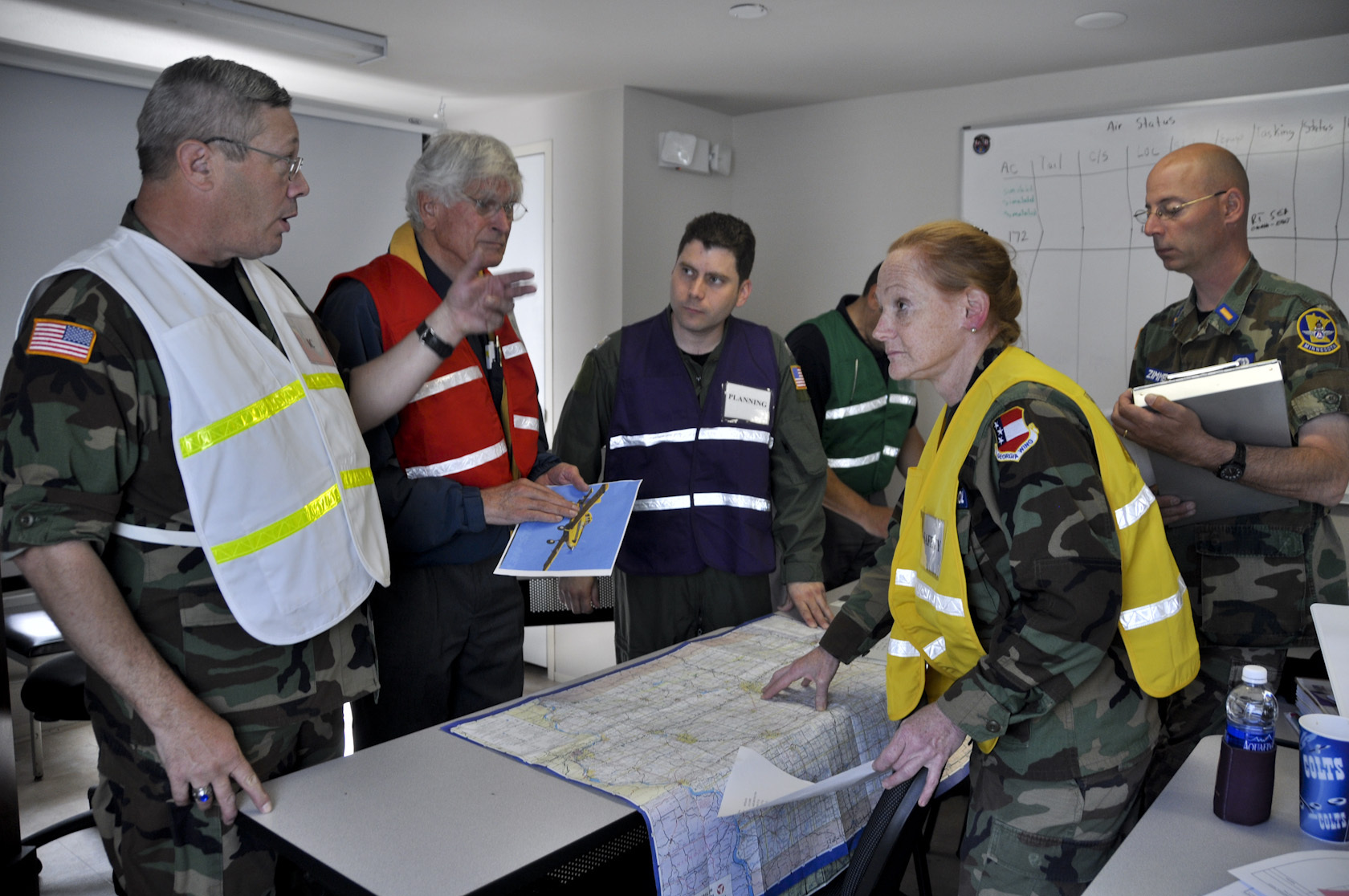
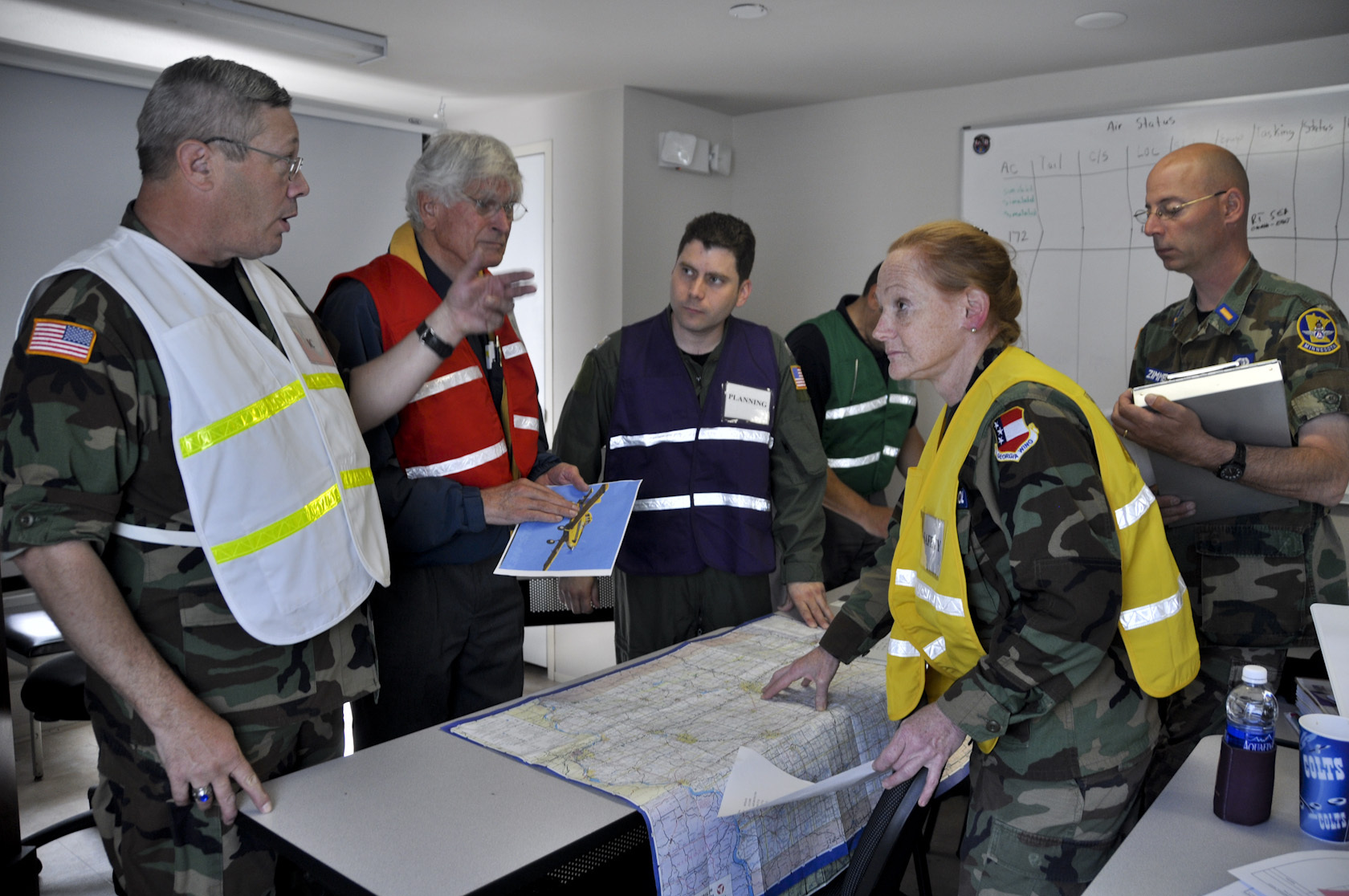
In the digital age, system failure is not a matter of “if,” but “when.” When a production environment buckles under the weight of an unexpected outage, a security breach, or a cascading data failure, the difference between a minor hiccup and a business-ending catastrophe often lies in the muscle memory of the response team. This is where incident response (IR) simulations—often called “game days” or “fire drills”—become mission-critical.
Waiting for a live crisis to test your operational readiness is a gamble that most organizations cannot afford to lose. Simulations allow your team to operate under controlled pressure, exposing cracks in your communication, documentation, and technical expertise before the clock is ticking on actual revenue. This article outlines the framework for building high-fidelity simulations that don’t just test your systems, but harden your culture against chaos.
Key Concepts
At its core, an incident response simulation is a structured event designed to mimic a real-world production incident. These aren’t merely technical tests; they are organizational evaluations.
- The Blast Radius: The scope of the failure. High-quality simulations define clear boundaries to ensure the test creates realistic stress without causing unintended, permanent data loss.
- The “Game Day” Mindset: Moving away from the “blame culture” toward an investigative mindset. The goal is to identify systemic weaknesses, not to punish individuals for mistakes made during the simulation.
- Observability vs. Alerting: Simulations often highlight the gap between what you think you know (alerts) and what you can actually see (observability). You will learn if your dashboards provide the context needed to make informed decisions during a crisis.
- Communication Protocols: Testing the flow of information between engineering, customer support, leadership, and public-facing stakeholders.
Step-by-Step Guide to Executing a Simulation
To move from theory to practice, follow this structured approach to planning and running your simulation.
- Define Objectives: Before technical work begins, state what you want to learn. Are you testing the team’s ability to use the runbook? Are you testing the automatic failover mechanisms? Or are you testing cross-departmental communication?
- Assemble the Roster: Identify an Incident Commander (IC), a scribe, and primary responders. Ensure there is a facilitator who observes the process without intervening unless the situation threatens to become an uncontained actual outage.
- Select the Failure Mode: Choose a scenario based on historical data or common risks. Examples include a massive database latency spike, a leaked credential leading to unauthorized API access, or a third-party service outage that cascades into your backend.
- Create the “Injects”: Use “injects”—predetermined updates or events—to keep the scenario moving. For example, if the team starts fixing the database, an inject might be: “Customer support is reporting that the login page is now hanging.” This forces the team to adjust their investigation.
- Execute the Simulation: Run the event in a staging environment that mirrors production as closely as possible. Keep the pressure high but manageable.
- Debrief (The Post-Mortem): Immediately after the simulation, hold a blameless post-mortem. Discuss what worked, what failed, and—most importantly—what needs to be documented or automated to prevent a repeat performance.
Real-World Applications
Large-scale distributed systems, such as those operated by companies like Netflix or Amazon, have popularized the concept of “Chaos Engineering.” By injecting failures into production systems continuously, they ensure that their resilience is battle-tested. For the average organization, this looks like smaller, semi-annual Game Days.
One financial technology firm conducted a “blackout” simulation. They manually disconnected their primary identity provider in a staging environment to see how long it would take the engineering team to realize why user authentication was failing. They discovered that their monitoring system was configured to alert on “CPU spikes” but ignored “Authentication Failure Rates.” By failing this specific component, they realized they had a massive visibility gap that would have cost them thousands in support tickets during a real outage.
In another case, a SaaS provider ran a tabletop exercise focusing on a ransomware attack. They discovered that while their backups were secure, their documentation on how to restore those backups was three years out of date. The simulation didn’t fail the technology; it failed the processes surrounding the technology, saving the company from a disastrous recovery effort.
Common Mistakes to Avoid
- Making it too easy: If the simulation has no surprises and the path to resolution is obvious, you aren’t learning anything. Ensure the scenario forces the team to deviate from their standard SOPs.
- Ignoring the “Human” factor: Often, teams focus on fixing the code but fail to communicate to the stakeholders. A simulation that results in a fixed system but zero communication to leadership is a failed simulation.
- Lack of Executive Buy-in: If management views these sessions as a waste of billable engineering hours, the program will inevitably lose momentum. Frame these sessions as insurance premiums for the business.
- Not conducting a blameless post-mortem: If the team feels judged for the mistakes made during the simulation, they will hide their shortcomings rather than exposing them. The goal is to expose, not to punish.
Advanced Tips for Mature Teams
Once you are comfortable with basic simulations, you can increase the fidelity to create “High-Stakes Simulations.”
Integrate External Variables: Don’t just simulate a technical failure. Introduce “social” failures. For example, simulate the loss of a key team member, a sudden PR crisis on social media, or a complete loss of access to your primary cloud management console. These scenarios force the organization to rely on offline documentation and cross-trained staff.
Automate the “Blast”: If your infrastructure allows, move from manual simulations to automated ones. Tools that can randomly trigger network latency or terminate microservices allow your team to build instinctive reflexes. This keeps the organization in a constant state of “preparedness” rather than “panic-response.”
Practice Public Communication: Many teams are great at fixing the server but terrible at telling the user base what is happening. Include your PR or Customer Success leads in the simulation. Have them draft the emails, tweets, and status page updates under time constraints. You will quickly find that the hardest part of an outage is often the communication, not the technical repair.
Conclusion
Incident response simulations are the ultimate stress test for an organization’s operational maturity. By intentionally breaking things in a safe, controlled manner, you stop guessing whether your systems will hold up and start knowing for sure.
These exercises do more than just fix bugs; they build confidence. They transform a team from a group of individuals who scramble during an emergency into a cohesive unit that understands their roles, trusts their documentation, and executes with precision. Start small, stay consistent, and remember: the goal is to make the failure predictable so that the recovery can be boring. The more “boring” your response to a real-world incident is, the more successful your simulation program has been.




Leave a Reply